AiVideoStitcherFx — Turn AI Clips Into Complete Videos
AI video generators are impressive. They can create stunning visuals from a simple prompt. But here’s the problem most people run into within minutes…
They only generate short clips.
Five seconds. Maybe six. Then you regenerate again and again hoping for a usable scene. Credits disappear, time disappears, and you’re left trying to stitch random clips together using other editing tools.
To be honest, that’s where the entire workflow breaks.
AiVideoStitcherFx was built to solve that exact problem.
Instead of stopping at clip generation, AiVideoStitcherFx gives you a complete AI video production system inside one browser-based platform. You can generate AI scenes, create images, add music and voiceovers, record your screen, import your own footage, and — most importantly — edit everything inside a real multi-layer timeline editor.
In simple terms, it helps you transform a single idea into a fully structured video that’s ready for YouTube, TikTok, Instagram, or marketing campaigns.
No tool switching. No messy clip folders. No complicated editing software.
Just a smoother, smarter way to build videos with AI.
Ready to Create Your First AI Video?
Start building complete AI-powered videos with AiVideoStitcherFx today.
What Is AiVideoStitcherFx?
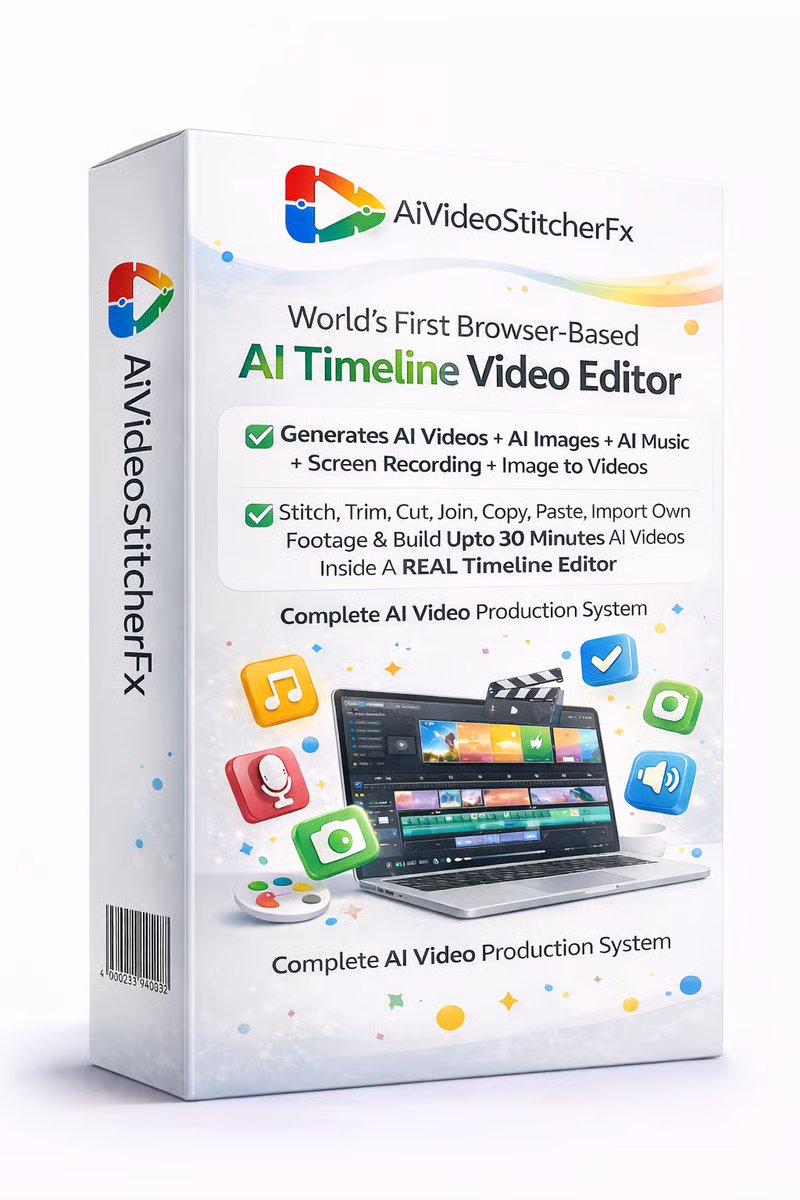
AiVideoStitcherFx is a browser-based AI video creation platform that combines AI generation tools and a full timeline video editor in a single workspace.
Most AI video tools today focus on one specific function — generating short clips from prompts. While that’s impressive technology, it doesn’t actually solve the problem most creators have: producing a complete video that can be uploaded to YouTube, TikTok, Instagram, or used in marketing campaigns.
AiVideoStitcherFx approaches this differently.
Instead of stopping at the generation stage, the platform gives users a system to:
- Generate AI clips and scenes
- Expand scenes into longer segments
- Convert images into animated video
- Add AI music and voiceovers
- Import footage or screen recordings
- Arrange everything in a multi-layer timeline editor
Think of it like combining several tools into one workspace:
- AI video generator
- AI image creator
- AI music composer
- Screen recorder
- Video editor
To be honest, that integration is the real value here. The biggest mistake people make when using AI video tools is assuming generation is the hard part. It’s not. The hard part is assembling those pieces into something that actually tells a story.
That’s where AiVideoStitcherFx tries to stand out.
Another interesting angle is that the platform is fully browser-based. That means no downloads, no heavy software installations, and no complicated editing setups. You simply log in, create scenes, edit them on a timeline, and export the final video.
For marketers, creators, freelancers, and agencies, that workflow can save a surprising amount of time.
How AiVideoStitcherFx Works
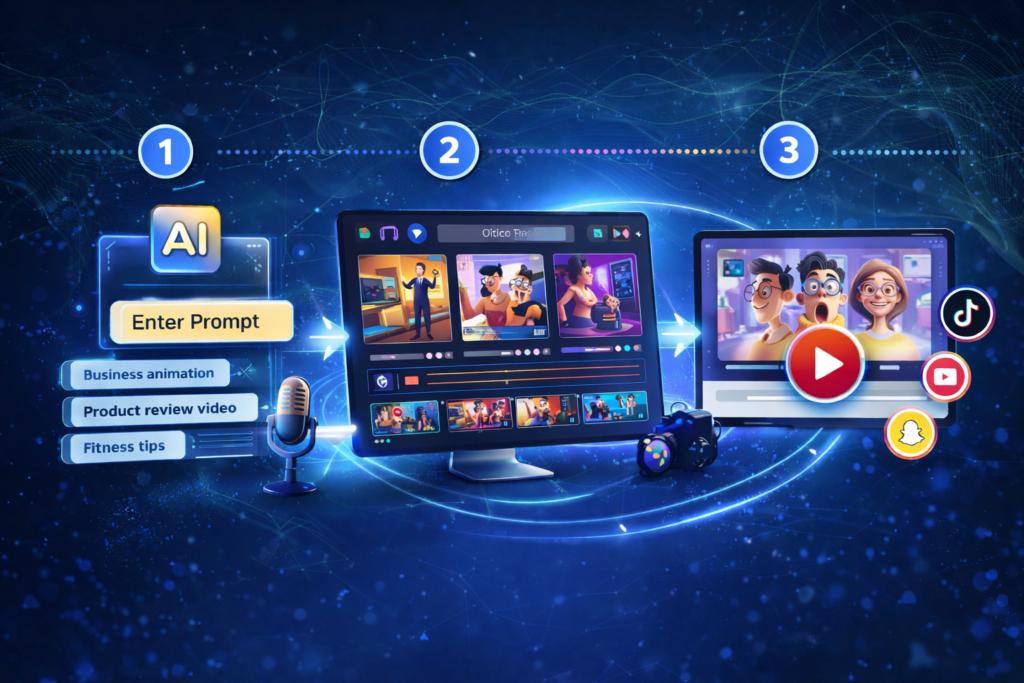
The workflow inside AiVideoStitcherFx is designed to move from idea → scenes → finished video.
Let me walk you through the typical process.
Step 1 — Start With a Prompt
Everything begins with a simple idea. You enter a keyword, topic, or prompt describing the type of video you want to create.
For example:
- “AI marketing explainer video”
- “Product demo for a coffee machine”
- “YouTube intro animation”
The system then expands that prompt into structured scene suggestions and script ideas.
Step 2 — Generate AI Scenes
Once the concept is defined, AiVideoStitcherFx can generate individual video scenes or clips.
These scenes may include:
- Generated visuals
- AI images
- animations
- background elements
- text layers
Instead of relying on one perfect clip, you can generate multiple variations and angles. This gives you creative flexibility when assembling the final video.
Step 3 — Expand Scenes
One feature that gets highlighted often is the ability to extend short clips into longer sequences.
In traditional AI generators, clips might only last a few seconds. With AiVideoStitcherFx, scenes can be expanded and developed into longer segments before editing begins.
This is important because longer scenes reduce the need to constantly regenerate new clips.
Step 4 — Add Music and Voiceovers
Video without sound rarely performs well online. AiVideoStitcherFx includes built-in tools to generate:
- background music
- voice narration
- audio tracks
You can customize tone, mood, and style depending on the type of content you’re creating.
Step 5 — Import or Record Content
This is another practical feature. AI content doesn’t have to exist in isolation.
Users can import:
- their own video clips
- screen recordings
- voice recordings
- stock footage
For example, a marketer might combine AI visuals with a recorded screen tutorial.
Step 6 — Edit Everything in the Timeline
Here’s where the platform shifts from generator to editor.
AiVideoStitcherFx provides a drag-and-drop timeline editor where you can:
- trim clips
- rearrange scenes
- adjust audio layers
- add captions or overlays
- control pacing and timing
In simple terms, you’re turning separate elements into a cohesive video.
Step 7 — Export the Finished Video
Once the editing is complete, the final step is exporting the video.
AiVideoStitcherFx supports multiple formats and aspect ratios, making it easier to publish content for:
- YouTube
- TikTok
- marketing ads
The result is a fully produced video ready for distribution.
AiVideoStitcherFx Features
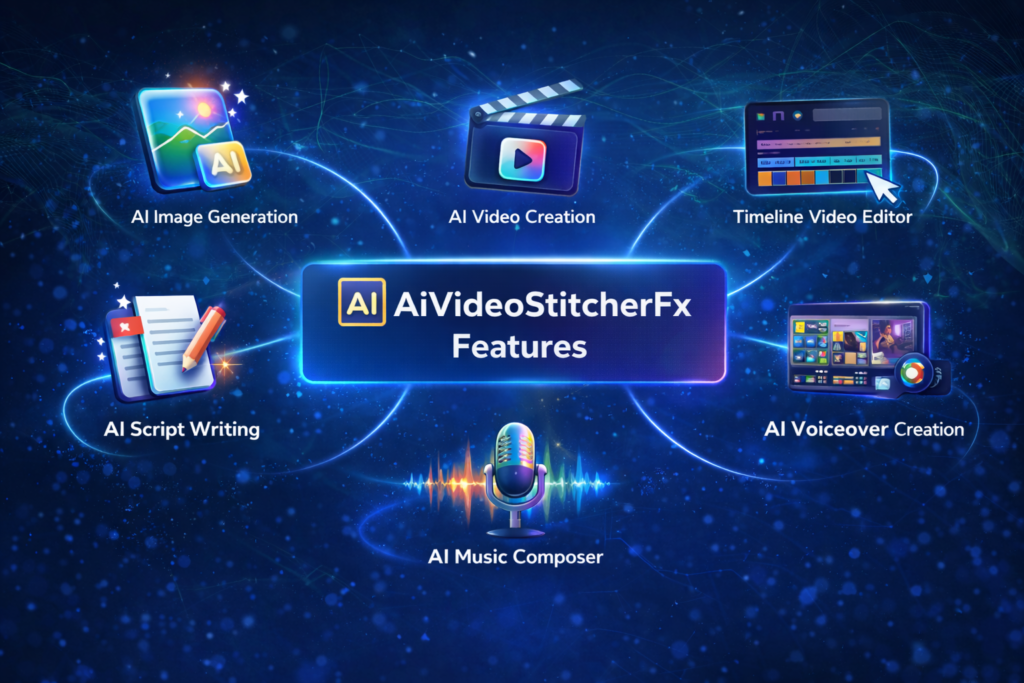
AiVideoStitcherFx combines several different AI and editing tools inside one environment. Below are some of the key features that define the platform.
AI Video Generation
The core capability of AiVideoStitcherFx is generating AI video scenes based on prompts.
Users can quickly produce clips that illustrate concepts, products, or storytelling sequences.
This dramatically reduces the time needed to gather footage or design visuals manually.
AI Script Writing
The platform can generate scripts from keywords or prompts. This is especially helpful for creators who struggle with structuring videos.
Instead of staring at a blank page, you start with a framework that can be edited and refined.
AI Image Generation
Users can generate images using text prompts and then incorporate them into video scenes.
This is useful when you need specific visuals that stock libraries don’t provide.
Image-to-Video Animation
Static images can be converted into animated scenes with motion effects and depth.
For marketing videos or explainers, this feature helps create dynamic visuals without advanced editing skills.
AI Music Generation
Music often determines the emotional tone of a video. AiVideoStitcherFx can generate background tracks tailored to a specific mood, tempo, or style.
Voiceover Creation
Human-like voice narration can be generated directly inside the platform. This removes the need for separate voiceover recording tools.
Multi-Timeline Video Editing
This is arguably the platform’s most important feature.
Users can edit video scenes in a timeline that supports multiple layers, including:
- video
- audio
- text
- images
That level of control is essential for creating polished content.
Screen Recording
Creators can capture their screen, camera, and microphone inside the platform. This makes it easier to produce tutorials, walkthroughs, and demonstrations.
Media Library Access
The platform includes access to stock images and videos, allowing creators to quickly enhance scenes without searching external libraries.
Flexible Export Options
Videos can be exported in multiple formats and aspect ratios suitable for social media and marketing campaigns.
Who is AiVideoStitcherFx For
Not every tool is designed for every user. AiVideoStitcherFx is particularly suited for people who need efficient video creation workflows.
Here are some examples.
Content Creators
YouTubers, TikTok creators, and social media influencers constantly need new video content. AI tools like this can accelerate production significantly.
Digital Marketers
Marketing campaigns often require multiple videos for ads, landing pages, and product launches.
AiVideoStitcherFx can help marketers generate visuals and assemble promotional videos quickly.
Freelancers and Agencies
Video production is one of the most requested services in digital marketing.
Freelancers and agencies can use AI tools to produce client videos faster while maintaining creative control.
Educators and Course Creators
Educational content benefits from visual explanations. Screen recordings, voiceovers, and animated scenes can help make lessons more engaging.
Small Businesses
Many small businesses struggle with video production due to budget limitations.
AI tools lower the barrier to entry by reducing the need for expensive equipment and editing software.
AiVideoStitcherFx Pricing Overview
AiVideoStitcherFx uses a launch pricing model typical for software products in this category.
| Plan | Price | Key Access |
|---|---|---|
| Front End | ~$37 one-time | Core AI video editor and generation tools |
The front-end plan typically includes access to the main platform features needed to create videos.
Compared with subscription-based video tools that charge monthly fees, a one-time license can be appealing for users who want long-term access without recurring costs.
AiVideoStitcherFx OTO Breakdown
Like many software launches, AiVideoStitcherFx offers optional upgrades.
Here’s a simplified breakdown.
| OTO | Feature |
|---|---|
| OTO 1 | Pro version with increased video creation limits |
| OTO 2 | Google WebStories traffic tool |
| OTO 3 | AI headshot creator (PhotoProAi) |
| OTO 4 | Screen recording tool (RecordPro) |
| OTO 5 | Reseller/agency license |
The upgrades are optional. Most users can begin with the core platform and upgrade later if needed.
30-Day Money Back Guarantee

AiVideoStitcherFx includes a 30-day refund policy.
That means users can test the platform, explore its features, and evaluate whether it fits their workflow. If it doesn’t meet expectations, they can request a refund within the guarantee period.
From a buyer’s perspective, this reduces the risk of trying new software.
AiVideoStitcherFx FAQ
What is AiVideoStitcherFx used for?
AiVideoStitcherFx is used to create AI-generated videos by combining scenes, images, music, and voiceovers inside a timeline video editor.
Is AiVideoStitcherFx beginner friendly?
Yes. The interface is designed to be accessible for beginners while still offering editing controls for experienced users.
Can AiVideoStitcherFx create long videos?
Yes. Scenes can be expanded and combined on the timeline to create longer videos.
Does the software require installation?
No. The platform runs entirely in a web browser.
Can I use my own footage?
Yes. Users can import their own videos, images, or recordings.
Is AiVideoStitcherFx suitable for social media videos?
Yes. Videos can be exported in aspect ratios optimized for platforms like YouTube, TikTok, and Instagram.
Final Thoughts on AiVideoStitcherFx
AI video technology is evolving rapidly, and tools like AiVideoStitcherFx represent an interesting step forward.
Instead of focusing only on generating clips, the platform aims to solve a more practical problem: turning AI content into real videos that people can publish and use.
To be honest, that shift from generation to production is where the industry is heading. As AI models become more powerful, the value will increasingly come from tools that help creators organize, edit, and refine content efficiently.
AiVideoStitcherFx tries to bridge that gap by combining multiple capabilities into one workspace. For creators who regularly produce video content, the integrated workflow could save time and simplify production.
Like any emerging technology, results will depend on how creatively the tool is used. But if you’re exploring ways to streamline video creation with AI, AiVideoStitcherFx is certainly a platform worth examining.
In the end, the real advantage isn’t just faster clip generation. It’s the ability to turn an idea into a complete video without juggling a dozen different tools.